

The idea of teaching your kid to code can feel overwhelming, especially if you've never written a line of code yourself. But what if we thought about it differently? This isn't about training the next Silicon Valley genius. It's about giving them a new kind of literacy.
At its heart, coding is a powerful way of breaking down big, complicated problems into smaller, more manageable pieces.
That skill is incredibly valuable. When kids learn to code, they’re really learning how to think logically, test out new ideas, and persevere when things get tricky. It’s the same mindset they use to build a LEGO castle, solve a tough math problem, or plan a school project. You can see how connected these concepts are in our guide on how to develop problem-solving skills.
Beyond the Screen: Preparing Kids for the Future
The demand for these skills isn't just a trend; it's a fundamental shift in the modern world. The global market for kids' online coding was valued at USD 4.19 billion in 2023 and is projected to skyrocket to USD 22.30 billion by 2033. This massive growth shows how essential this skill set is becoming. You can dig into the data in this market analysis of online coding for kids.
Key Takeaway: The real magic of learning to code isn't about staring at a screen. It's about empowering kids to see themselves as creators, not just consumers, of the technology that surrounds them.
Many parents get stuck on the perceived complexity, but modern tools have made coding incredibly accessible. Kids can now get started by creating game apps with no code, which makes the process feel less intimidating and far more rewarding. It’s an instant confidence booster that shows them they can bring their own ideas to life.
Making Coding Genuinely Fun and Accessible
The secret to teaching coding is to connect it to what your child already loves. Do they love drawing? They can code simple animations. Are they obsessed with games? They can design their own interactive stories.
Here’s why it’s easier than you think to get started:
- Logic Over Language: Early coding tools use visual blocks that snap together like digital LEGOs. This teaches core concepts like sequencing and loops without any confusing syntax.
- Learning Through Play: You don't even need a screen. Unplugged activities, like writing out the steps for a recipe or designing a new board game, are perfect for teaching computational thinking.
- Abundant Resources: A whole world of free apps, websites, and toys is designed specifically to make learning to code feel like playtime.
This guide will walk you through a simple, stress-free way to introduce your child to this exciting world. It’s proof that you don’t need to be an expert to get started. It’s all about sparking their curiosity and having fun together.
Your Child's Coding Roadmap From Ages 3 to 14
Trying to teach an eight-year-old to code the same way you would a fourteen-year-old is a recipe for frustration. The key is matching the right concepts to the right developmental stage. Just like kids learn to crawl before they walk, their coding journey should follow a natural, step-by-step progression.
This roadmap breaks down that journey into four distinct stages, giving you practical advice and project ideas that actually work for each age group. Think of it as a guide to introduce new ideas at a pace that feels more like play than work, building a solid foundation of skills and confidence along the way.
To give you a quick overview, here's a handy guide that summarizes what to focus on at each stage.
Age-Appropriate Coding Curriculum Guide
I've put together this table to help you see, at a glance, what concepts, tools, and projects make the most sense for your child's age. It's a great starting point for figuring out where to begin.
| Age Group | Key Concepts | Recommended Tools | Sample Project Idea |
|---|---|---|---|
| Ages 3-5 | Sequencing, patterns, cause-and-effect, simple logic | Unplugged activities (blocks, cards), Simon Says | Sort story cards into the correct order to tell a tale |
| Ages 6-8 | Basic algorithms, debugging, simple loops, events | ScratchJr, Kodable | Program a character to dance when you click on it |
| Ages 9-11 | Variables, more complex conditionals, loops | Scratch, Tynker, basic robotics kits | Build a simple maze game where you control the player |
| Ages 12-14 | Text-based syntax, functions, basic data structures | Python (via Replit/Thonny), JavaScript (via Codecademy) | Create a "Choose Your Own Adventure" text game |
This roadmap provides a clear path, but remember that every child is different. The most important thing is to keep it fun and engaging! Now, let's dig into what each stage looks like in more detail.
Ages 3-5: Preschoolers and Pre-Readers
At this age, coding has nothing to do with screens or syntax. It's all about computational thinking in its purest form. The goal is to introduce foundational ideas like sequencing, patterns, and cause-and-effect through tangible, hands-on play. You're building the mental framework they'll need for coding later on.
Almost every activity should be completely unplugged. The focus is on giving simple, step-by-step instructions and seeing a direct result. This helps toddlers understand that actions have predictable outcomes—the very core of any algorithm.
Actionable Ideas for This Age:
- Storytelling Sequencing: Lay out three or four picture cards from a familiar story and ask your child to put them in the correct order. This teaches the "first, then, next" structure that's essential to all code.
- "If-Then" Games: A simple game of Simon Says is pure "if-then" logic: If Simon says to touch your nose, then you touch your nose. It introduces conditional logic in a fun, active way.
- Building Block Patterns: Create simple patterns with LEGOs or colorful blocks (red, blue, red, blue...) and ask your child what comes next. Recognizing and continuing patterns is a fundamental skill for spotting logic in code.
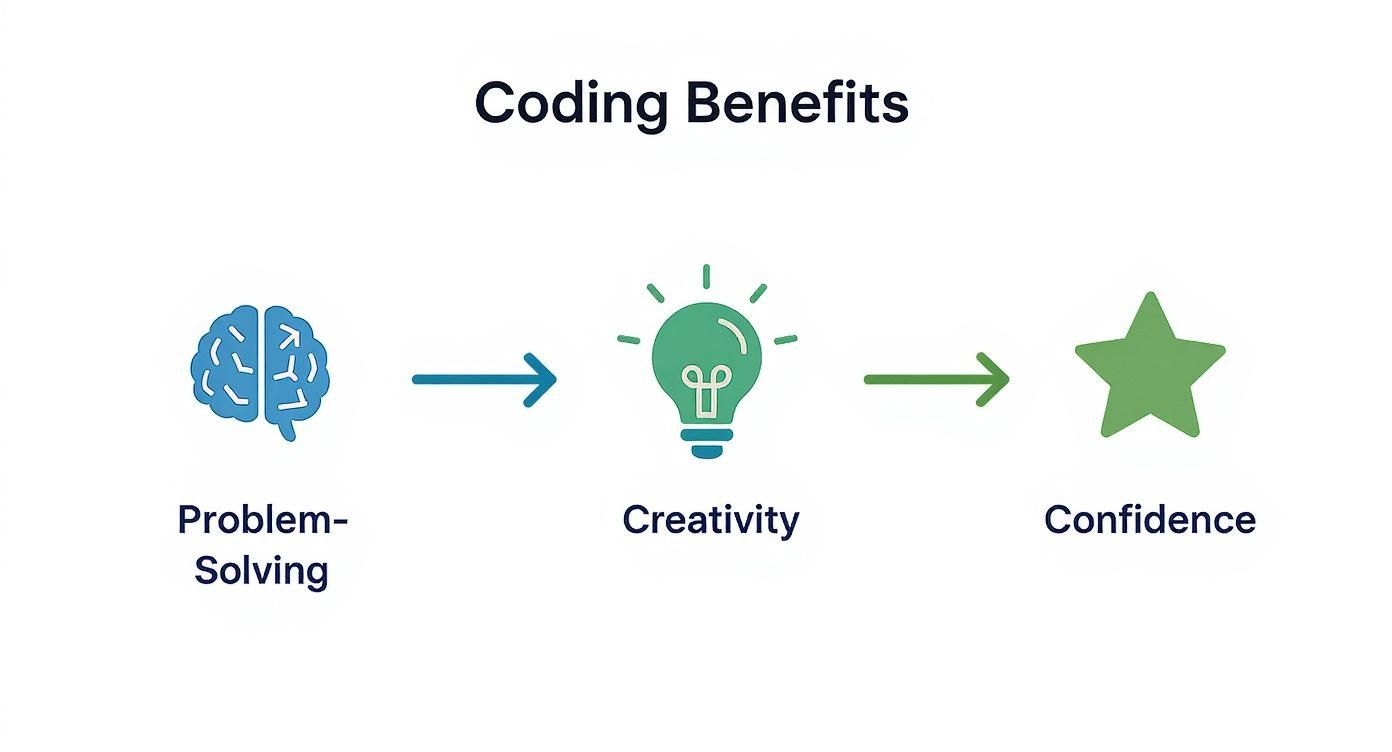
This process—starting with simple problem-solving—is what lays the groundwork for creative expression and, ultimately, real confidence.
Ages 6-8: Early Elementary Learners
Kids in this age group are ready for their first taste of on-screen coding, but it has to be visual and intuitive. Block-based coding is the perfect tool here. It uses drag-and-drop blocks that represent commands, which gets rid of the frustration of typos while still teaching core programming concepts.
They can now translate their understanding of sequencing and logic into creating simple animations, stories, and games. That immediate visual feedback is incredibly rewarding and keeps them motivated.
Key Takeaway: The goal isn't to create a polished final product. It's about the process of experimenting, debugging when a character doesn't move correctly, and celebrating the small wins.
Recommended Tools and Projects:
- ScratchJr: A simplified version of Scratch made for younger kids. They can make characters move, jump, dance, and sing.
- Kodable: A game-based curriculum that teaches programming fundamentals by having kids guide adorable fuzzball characters through mazes.
- Project Idea: Create an interactive birthday card. Your child can program a character to say "Happy Birthday!" when clicked and then make confetti fall from the sky.
Ages 9-11: Upper Elementary Explorers
By now, many kids are ready to move beyond the basics and tackle more complex projects. They can start working with platforms like the full version of Scratch or Tynker, which offer more advanced features while still using a visual, block-based interface.
This is the perfect age to introduce more sophisticated concepts like variables (think of a score in a game), loops, and more complex conditional statements. They can start building multi-level games or more intricate animations.
It's clear why this age group is so crucial for skill development. Research from 2024 shows that while elementary students are the largest segment in the kids' coding market, the fastest-growing group is middle schoolers, who are ready to grasp more complex languages. You can see more about these market trends in kids' coding education for yourself.
Project Examples:
- Build a Simple Maze Game: Design a maze and code a character to navigate it using the arrow keys while avoiding the walls.
- Create an Animated Story: Use multiple characters and backdrops to tell a short story with dialogue and action.
- Physical Computing: This is a great time to introduce basic robotics! Kits that combine building with block coding can make programming concepts tangible. Check out our guide on finding the perfect robotics kits for beginners to bridge the digital and physical worlds.
Ages 12-14: Middle School Innovators
At this stage, many kids are itching to move from block coding to text-based programming. Their abstract thinking skills are much more developed, allowing them to finally understand the syntax and structure of real-world languages like Python or JavaScript.
Python is often recommended as a first text-based language because its syntax is so clean and readable. The focus should shift to creating projects that solve real problems or align with their personal interests, like building a simple website, a calculator app, or a text-based adventure game.
Getting Started with Text-Based Coding:
- Python: Start with a platform like Replit or Thonny, which provide simple environments for writing and running Python code without a complicated setup.
- JavaScript: For kids interested in web development, platforms like Codecademy or freeCodeCamp offer great interactive tutorials for learning HTML, CSS, and JavaScript.
-
Project Idea: Code a "Choose Your Own Adventure" game using Python. This project is perfect for reinforcing conditional logic (
if/elif/elsestatements) and variable usage in a fun, narrative-driven way.
Coding Without a Computer: Fun Unplugged Activities
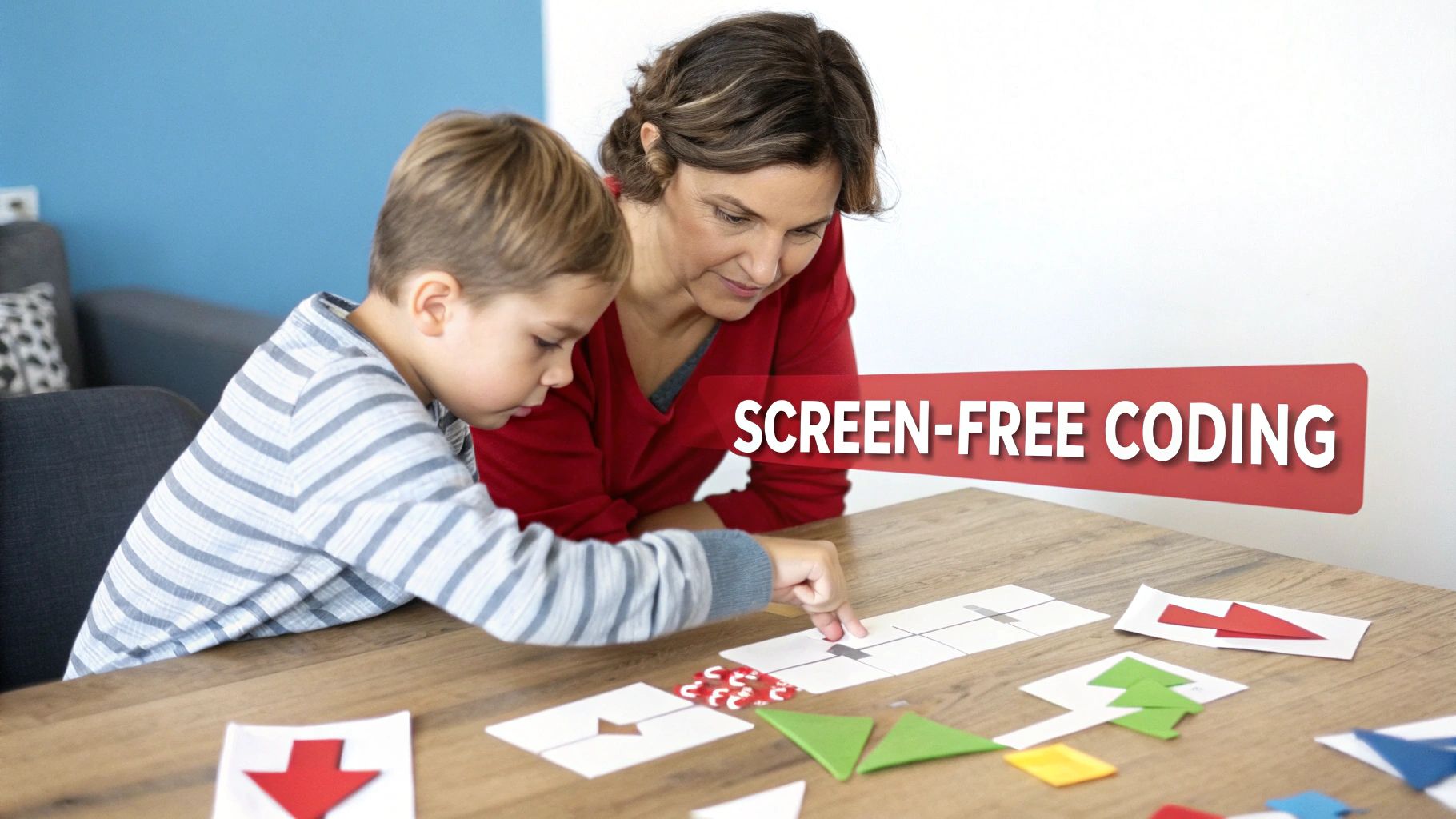
Before a child ever drags a single block of code across a screen, they can master its core principles right on the living room floor. Believe it or not, some of the best ways to teach kids coding have nothing to do with a device. These "unplugged" activities are brilliant because they make abstract ideas—like sequencing, loops, and conditional logic—feel tangible and playful.
This approach builds a rock-solid foundation in computational thinking, which is just a fancy term for a powerful way of solving problems. It's a skill that translates directly to on-screen programming but is often learned best through hands-on play and real-world examples.
Turn Daily Routines into Algorithms
An algorithm is simply a set of step-by-step instructions for getting something done. The good news? Your daily life is already packed with them! When you start framing everyday routines as algorithms, you demystify one of coding’s most fundamental concepts.
Take making a peanut butter and jelly sandwich. If you just say, "Make a sandwich," you're leaving out dozens of critical steps a computer would need. Try breaking it down with your child:
- Go to the pantry.
- Get the bag of bread.
- Place two slices on the plate.
- Get the peanut butter and a knife.
- Open the jar of peanut butter.
- Scoop some peanut butter with the knife.
- Spread it on one slice of bread.
By writing or drawing out these steps, your child is literally creating their first algorithm. They’ll quickly see that missing a step (like opening the jar) creates a "bug" that keeps the program from running correctly. It’s a lightbulb moment!
Fun Games That Teach Core Coding Logic
Some of the best tools for teaching programming principles are classic, screen-free games. These activities are perfect because they’re social, interactive, and sneak in complex ideas through simple rules.
- Human Robot: One person is the "Programmer," and the other is the "Robot." The Programmer must give precise, one-step commands ("walk forward one step," "turn left," "pick up the blue block") to guide the Robot to a specific goal. This is a fantastic way to show why clear, sequential commands are so important.
- If-Then Obstacle Course: Set up a simple course with pillows, toys, and blankets. Now, create "if-then" rules for getting through it. For example: "If you get to a pillow, then you must jump over it. If you see a red toy, then you must clap your hands." This directly introduces conditional logic, a cornerstone of literally all programming.
To take this a step further, physical tools like a 'Lets Go Code Activity Set' can make these concepts even more concrete, turning abstract ideas into something kids can touch and see.
Key Takeaway: The goal of unplugged coding is to separate the logic of programming from the syntax of a specific language. When kids understand the "why" behind the code, learning the "how" on a computer becomes much, much easier.
Exploring Binary Code and Pixels with Crafts
Even seemingly complex topics like binary code and pixelation can be taught with simple craft supplies. This hands-on, creative approach makes a challenging concept feel fun and accessible.
Binary Bead Bracelets:
Start by explaining that computers use binary—a language of just 0s and 1s—to represent everything. You can use this very idea to make some cool, personalized jewelry.
- Assign Values: Decide that one color bead will represent a 0 (off) and a different color will represent a 1 (on).
-
Find the Code: Use a simple binary alphabet chart online to find the 8-digit code for your child's initials. For example, the capital letter "A" in binary is
01000001. - String the Beads: Have them string the beads in the correct sequence to spell out their initial. They just made a piece of coded art!
This simple activity beautifully illustrates how just two options can be combined to create something complex and meaningful.
For a deeper dive into these screen-free concepts, the Playz My First Coding & Computer Science Kit is packed with fantastic puzzles and projects that cover encryption, algorithms, and more—no computer needed.
How to Create a Positive Learning Environment
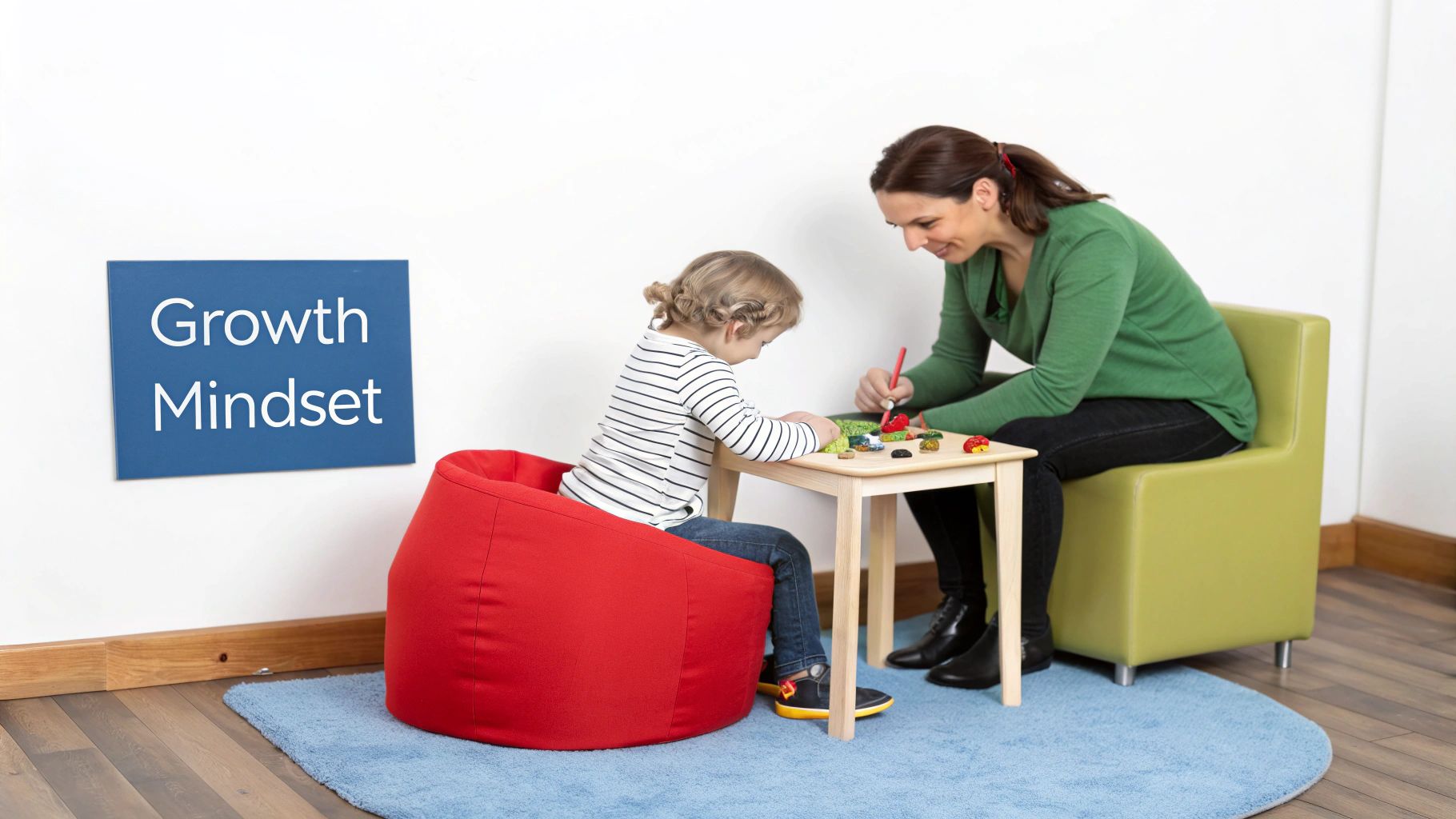
Here's a little secret: teaching kids to code has less to do with the computer you use and everything to do with the atmosphere you create. A truly positive learning environment isn't about the fastest processor or the fanciest software. It's about building a safe space where curiosity is the main event, and mistakes are just part of the adventure.
Think of yourself less as an instructor and more as a co-adventurer on a fun expedition. When kids feel supported and know it’s perfectly fine to not have the answer right away, they’re far more willing to take creative risks and stick with a problem. This foundation of psychological safety is the launchpad for real, meaningful learning.
Reframe Bugs as Puzzles Not Failures
In the world of programming, things almost never work on the first try. That little hiccup in the code is called a bug, and how you talk about it makes all the difference. If a child sees a bug as a personal failure, their confidence will plummet. But if you frame it as a puzzle just waiting to be solved? It becomes an exciting challenge.
So, instead of saying, "Oh no, it’s broken," try something like, "Interesting! The computer did something unexpected. Let’s be detectives and figure out why." This simple shift in language transforms a moment of frustration into a fun, investigative process. You're not just fixing an error; you're teaching resilience and the art of debugging—a core skill for any programmer.
Key Takeaway: The goal isn't to write perfect code from the get-go. It’s to develop the patience and logical thinking needed to find and fix those inevitable imperfections. That mindset is far more valuable than any single line of code.
This idea is catching on everywhere. Coding is becoming a priority in K-12 education worldwide, with the U.S. government’s Every Student Succeeds Act (ESSA) promoting computer science in schools. To learn more, check out the global push for children's programming education on DataHorizzonResearch.com.
Know When to Help and When to Wait
Resisting the urge to swoop in and fix every little problem is one of the hardest parts of teaching. When your child gets stuck, your first instinct is probably to give them the answer. But giving them space to struggle is absolutely essential for building their problem-solving muscles.
Here’s a simple three-step approach:
- Observe First: Wait. Give them a few minutes to wrestle with it on their own. You’ll often be surprised at what they can figure out without any help.
- Ask Guiding Questions: Instead of pointing out the fix, ask open-ended questions. "What have you tried so far?" or "What do you think is happening here?" are great starters.
- Suggest a Small Next Step: If they're genuinely stuck, offer a tiny hint, not the whole solution. Try something like, "Maybe we should re-read that one block of code," to gently guide their attention.
This balanced approach builds their confidence and shows them you trust their ability to eventually find the solution.
Bridge the Digital with the Physical
A great coding environment isn't confined to a screen. Using physical toys, robotics, and STEM kits can make abstract digital concepts feel tangible and real. There’s a magic moment when a child writes a few lines of code and sees a real-life robot move or a light turn on. That’s when the connection clicks.
This hands-on interaction is a huge motivator. It shows them that coding isn't just about shuffling pixels around; it's a powerful tool for making things happen in the real world. It's a core principle of effective play-based learning activities, which are proven to deepen understanding and stick with kids long-term.
Ways to Connect Code to the Real World:
- Robotics Kits: Building a simple robot and using block coding to program its movements provides instant, physical feedback on their code.
- Circuit Kits: Combining basic electronics with programming to make LEDs light up or buzzers sound in a specific sequence is incredibly rewarding.
- Unplugged Prototyping: Before they even touch a computer, have them draw out their game on paper or build a model with LEGOs. This helps them think through the logic and design from the ground up.
By creating this supportive, puzzle-loving, and hands-on environment, you’re not just teaching coding skills. You’re raising a resilient, creative, and confident problem-solver for life.
Keeping Kids Motivated and Measuring Real Progress
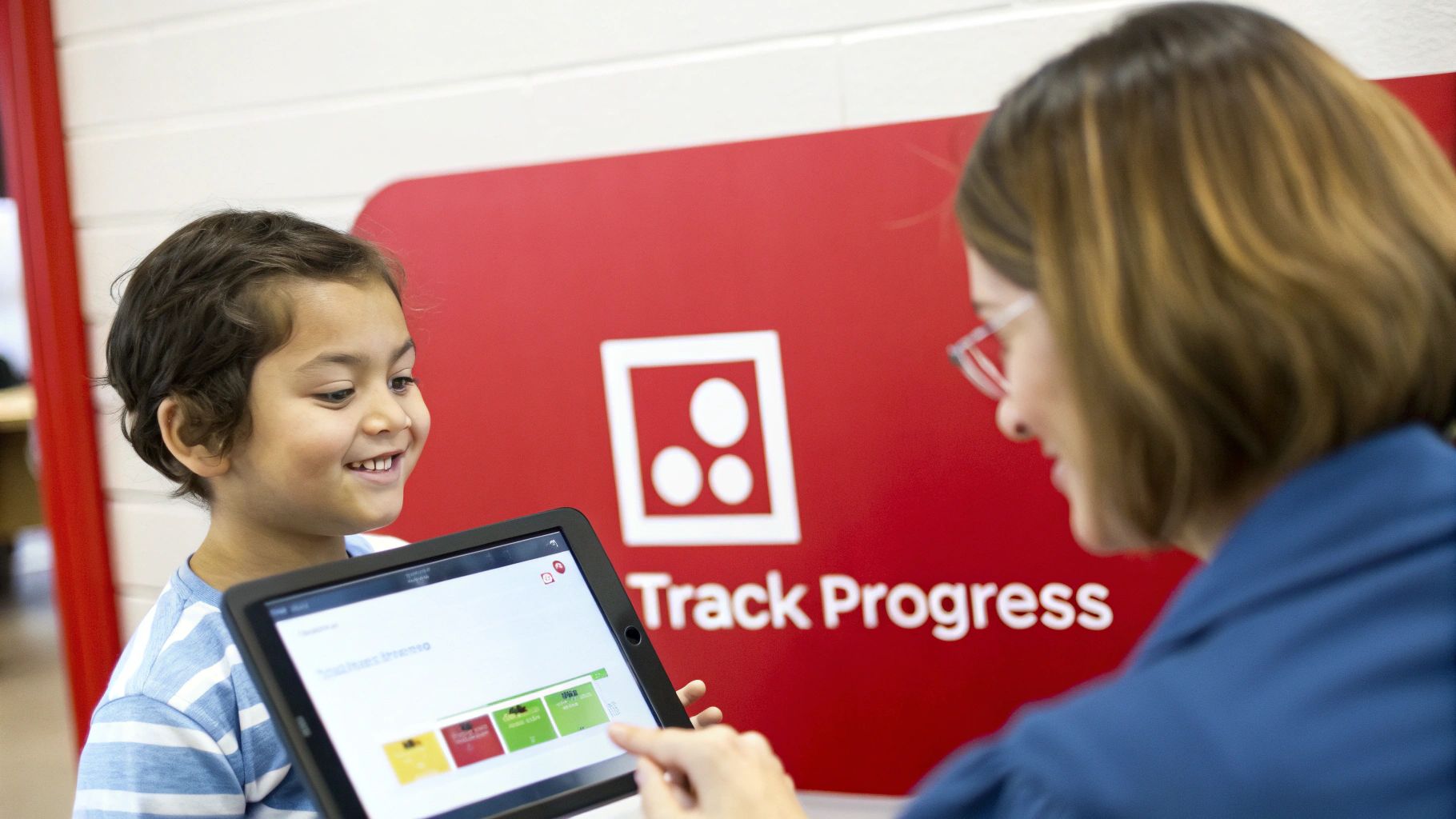
That first burst of excitement from a new coding app is awesome, but it doesn't always last. So what do you do when the novelty wears off? Keeping that momentum going is one of the trickiest parts of teaching kids to code.
The secret is to stop focusing on abstract exercises and start connecting code to projects they actually care about. When learning feels disconnected, kids lose interest. But when coding becomes the tool they use to build their own ideas, it stops feeling like a chore and starts feeling like play.
Connect Coding to Their Passions
The single best way to keep them hooked is to make coding relevant to whatever they're already obsessed with. Think of programming not as the main event, but as the cool vehicle that gets them where they want to go.
- Got a storyteller? Challenge them to animate a tiny, two-scene story in ScratchJr. They can design characters, write dialogue, and set the stage.
- Have a music lover? Many platforms let kids code digital instruments. They can program keys to play different notes and tap out a simple song.
- Raising a future gamer? Let them build one single level of their dream video game. It doesn't have to be perfect—just a character, an obstacle, and a goal. Giving them that creative control is a huge motivator.
Tying projects to their interests is a game-changer for student engagement. When kids see a direct line between their effort and something they genuinely love, they'll push through almost any challenge. For more on this, check out our guide on how to increase student engagement.
Measure Progress Without Tests
In a creative field like coding, quizzes and tests just don't make sense. You're not trying to see if they memorized a command; you want to know if they're learning to think like a problem-solver.
Forget about grades. You can see real learning happening right in front of you if you just know what to look for.
The best way to gauge understanding is to ask your child to explain their project to you. If they can walk you through what each block of code does and why they put it there, they get it. That's the logic, and that’s what really matters.
This "show and tell" approach is a fantastic, low-pressure way to see what's clicking. It also builds their communication skills and helps lock in the concepts as they explain their choices.
A Simple Troubleshooting Guide for Common Hurdles
Sooner or later, every kid hits a wall. Frustration is just part of the deal, but a simple plan can turn a roadblock into a great learning moment.
Here’s how to handle a few common situations:
| The Problem | The Solution |
|---|---|
| "I'm Stuck on a Bug!" | Time to play detective. Have them explain the problem to you out loud, walking through the code line by line. You'd be surprised how often just saying it out loud makes the error obvious. |
| "I Don't Know What to Make." | Ah, the classic creative block. Give them a super simple, specific prompt, like, "Can you make a character that tells a knock-knock joke?" A little constraint can actually spark a lot of creativity. |
| "This Is Too Hard!" | They probably bit off more than they can chew. Break the project down into the tiniest possible step. Just focus on one thing, like making the background change color when a button is clicked. |
When you guide them through these moments with patience, you’re teaching them the most important lesson of all: getting stuck isn't failure. It's just part of the process.
Got Questions About Kids and Coding? We've Got Answers.
Diving into the world of coding with your child is exciting, but it's totally normal for it to bring up a few questions. For a lot of families, this is brand new territory. The good news? You don't need to be an expert to get started.
Let's walk through some of the most common questions we hear from parents. Think of this as your quick guide to getting over those first few hurdles and moving forward with confidence.
When Is the Right Age to Start Teaching Code?
You can introduce the core ideas of coding way earlier than you might think. For kids aged 3-5, you can start building foundational skills like logic and sequencing through fun, screen-free play. Simple games like Simon Says or building with patterned blocks are perfect for this.
Once they hit the 5-7 age range, they’re often ready for visual, block-based coding apps and websites. The most important thing isn't the exact age they begin; it’s making sure the activities are fun, age-appropriate, and totally free of pressure. Every kid learns at their own pace.
What If I Have No Idea How to Code Myself?
This is the best part—you absolutely do not need to be a coding whiz to be a fantastic guide for your child. Seriously. Many of the best coding tools out there, like ScratchJr, were designed specifically for beginners, which means you can learn right alongside your kid.
Your real job here is to be a supportive co-explorer.
Celebrate their small wins, encourage them when they get stuck, and model what it looks like to be curious. Your enthusiasm and willingness to figure things out together are far more valuable than any technical skills you think you're missing.
Which Coding Language Should My Child Learn First?
For most kids under the age of 11, the best place to start is with visual, block-based platforms. Tools like Scratch or Blockly are fantastic because they teach the fundamental logic of programming without the frustrating syntax errors that can trip up young learners. They get to see the results of their code instantly, which is a huge motivator.
When they’re ready to move on to text-based languages, Python is a wonderful first choice. Its clean, readable syntax is much easier for beginners to grasp compared to other languages, making it a natural next step from block coding.
How Can I Manage Screen Time with Coding?
Balancing screen time is a real concern for pretty much every parent today. The key is to frame coding as an active, creative task, not passive screen consumption like watching YouTube. It's about making something, not just watching something.
Set clear and consistent time limits for on-screen coding sessions, just like you would for any other screen-based activity. And don't forget to make "unplugged" coding games a regular part of your routine! This helps reinforce the idea that the problem-solving skills they're learning apply everywhere, not just when they're sitting in front of a screen.
Here at Playz, we believe that hands-on learning is the secret to building a lifetime of curiosity. Our STEM kits are designed to make complex concepts tangible and fun, bridging the gap between digital ideas and real-world results.
Explore our collection of science and coding kits to spark your child's imagination and show them just how exciting learning can be. Head over to PlayzUSA.com to find the perfect kit for your young innovator.